Setup tools (required)
Download CC Switch or Folkbench Switch, then use it to configure each client.
Before connecting the ChatGPT desktop app, Codex CLI, Claude desktop, Claude CLI, or DeepSeek Harness, install a setup tool. You can use CC Switch or Folkbench Switch. Download only from the official site or GitHub Releases — never from a site that asks you to pay, top up, or sign in.
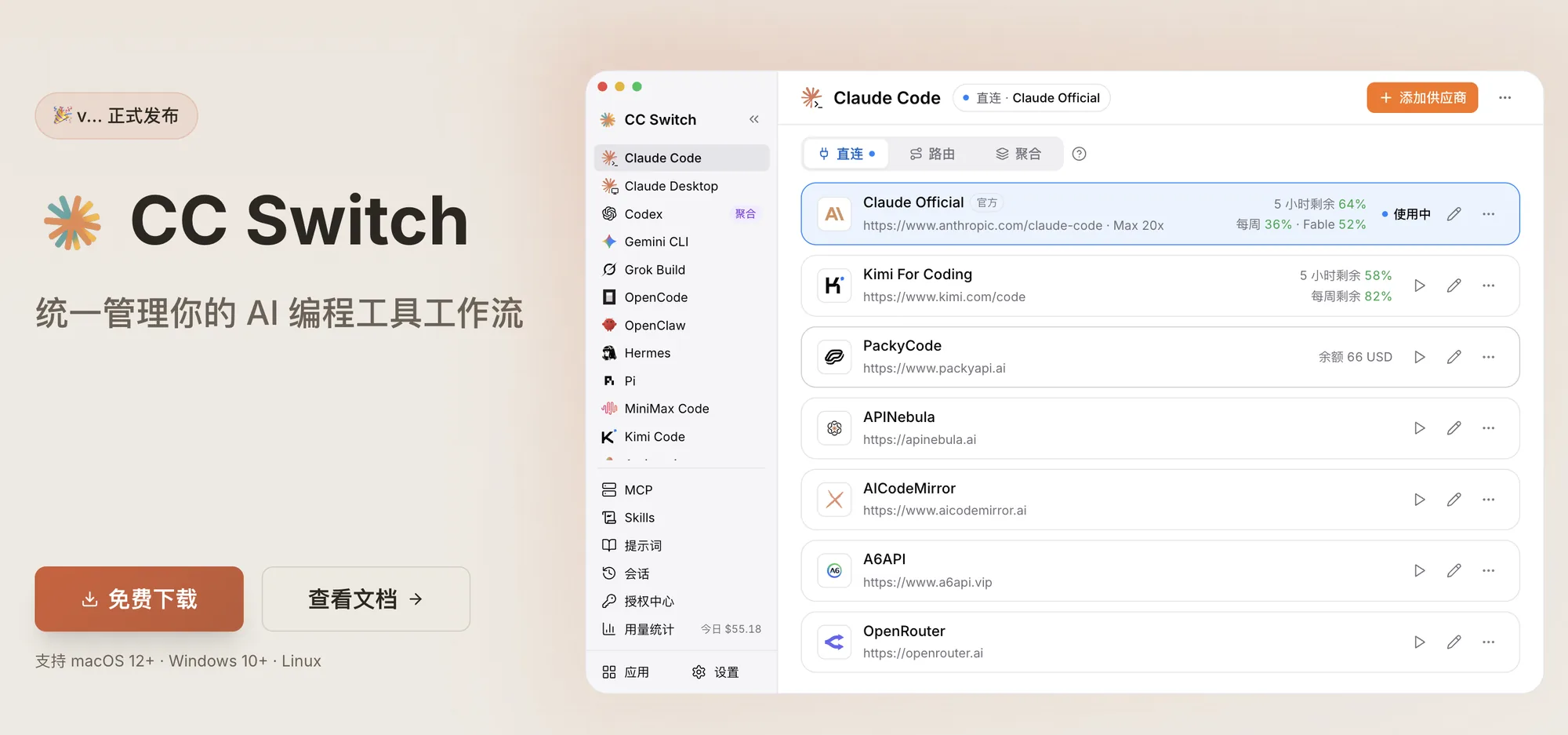
Download CC Switch
Open the CC Switch website to download it, or get the same files from GitHub Releases. It supports macOS 12+, Windows 10+, and Linux.
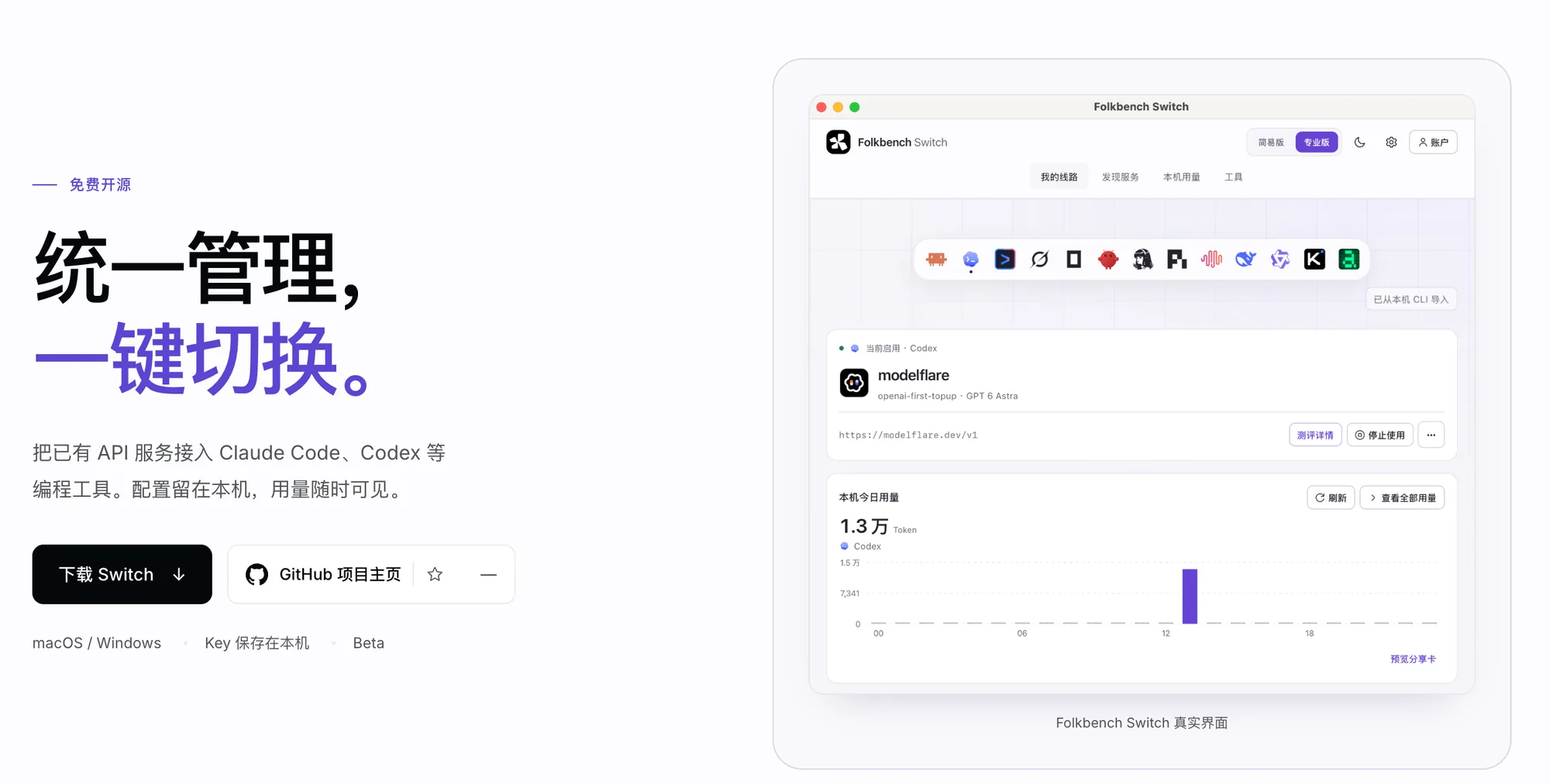
Download Folkbench Switch
Open the Folkbench Switch website to download it, or get the same files from GitHub Releases. It supports macOS and Windows.
Open it once after installing
Open either tool and confirm the main window appears. The client pages below walk through connecting CheapAI with CC Switch or Folkbench Switch.